Available now
Robo Connect for Windows
A focused desktop softphone for agents who spend their day handling business calls.
Download for Windows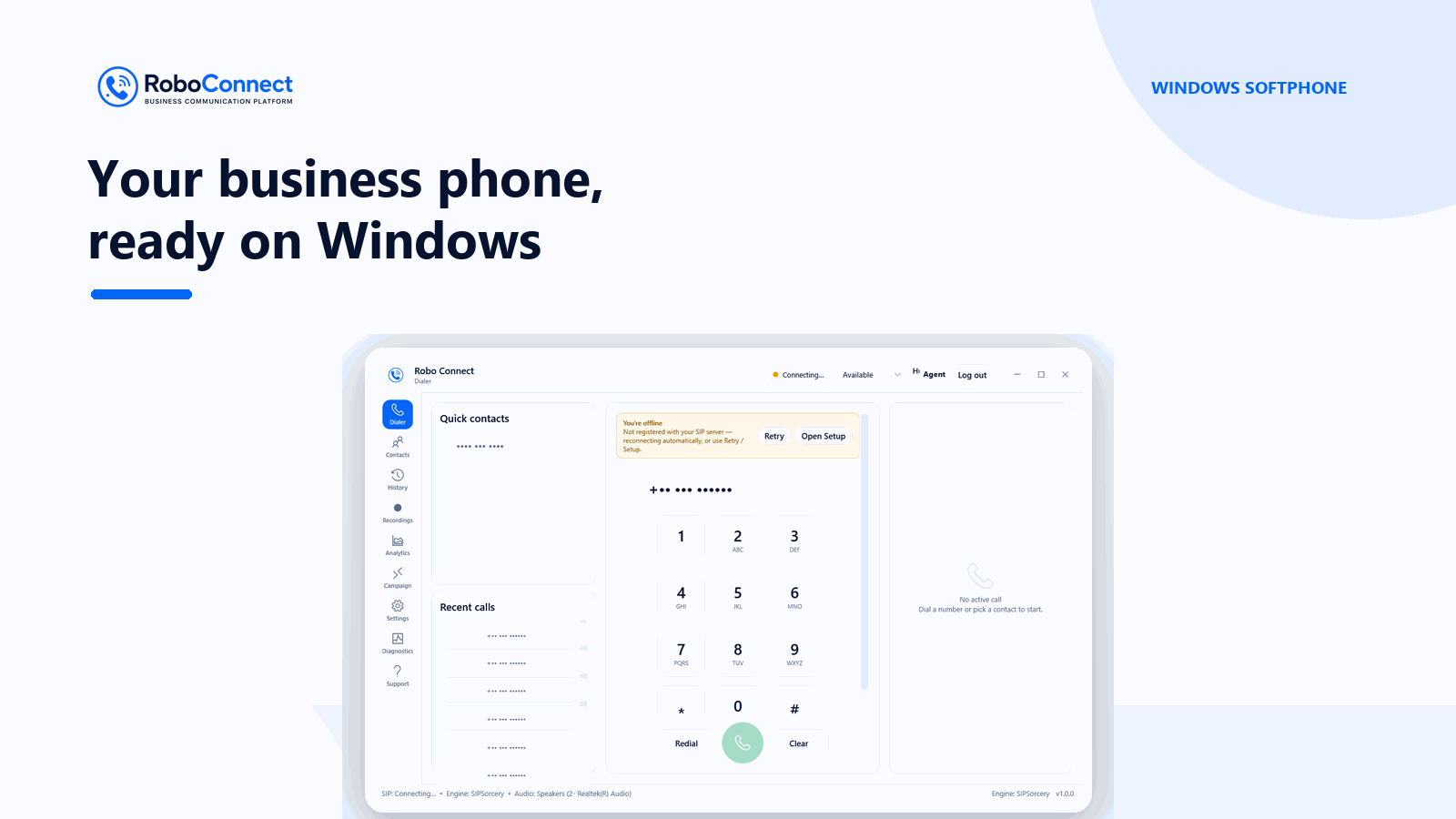
Branded Windows and Android apps bring everyday business calling, call controls, contacts and team workflows into one familiar workspace.
Give desk-based agents a dedicated Windows softphone and keep mobile agents connected with Android.
A focused desktop softphone for agents who spend their day handling business calls.
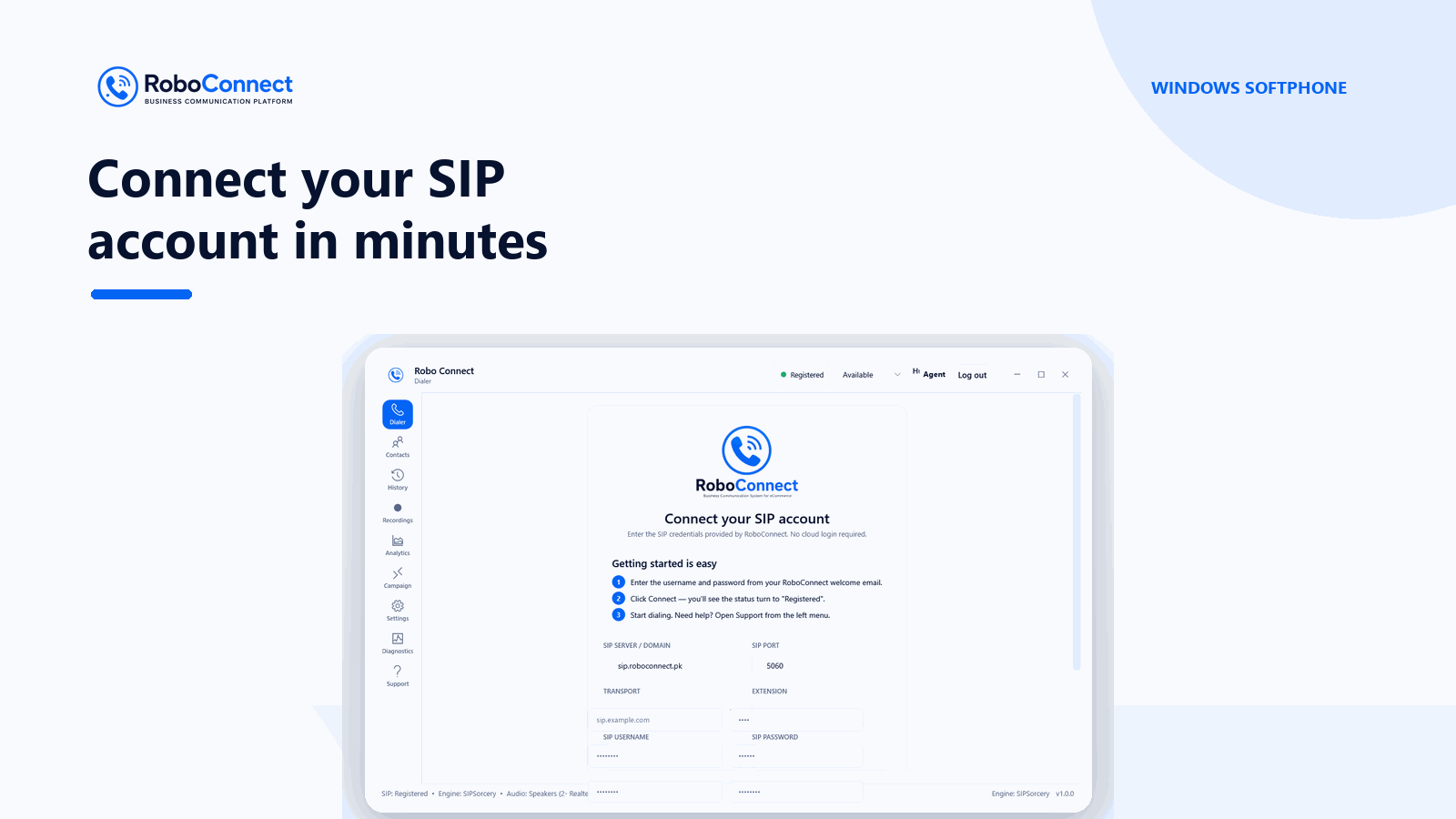
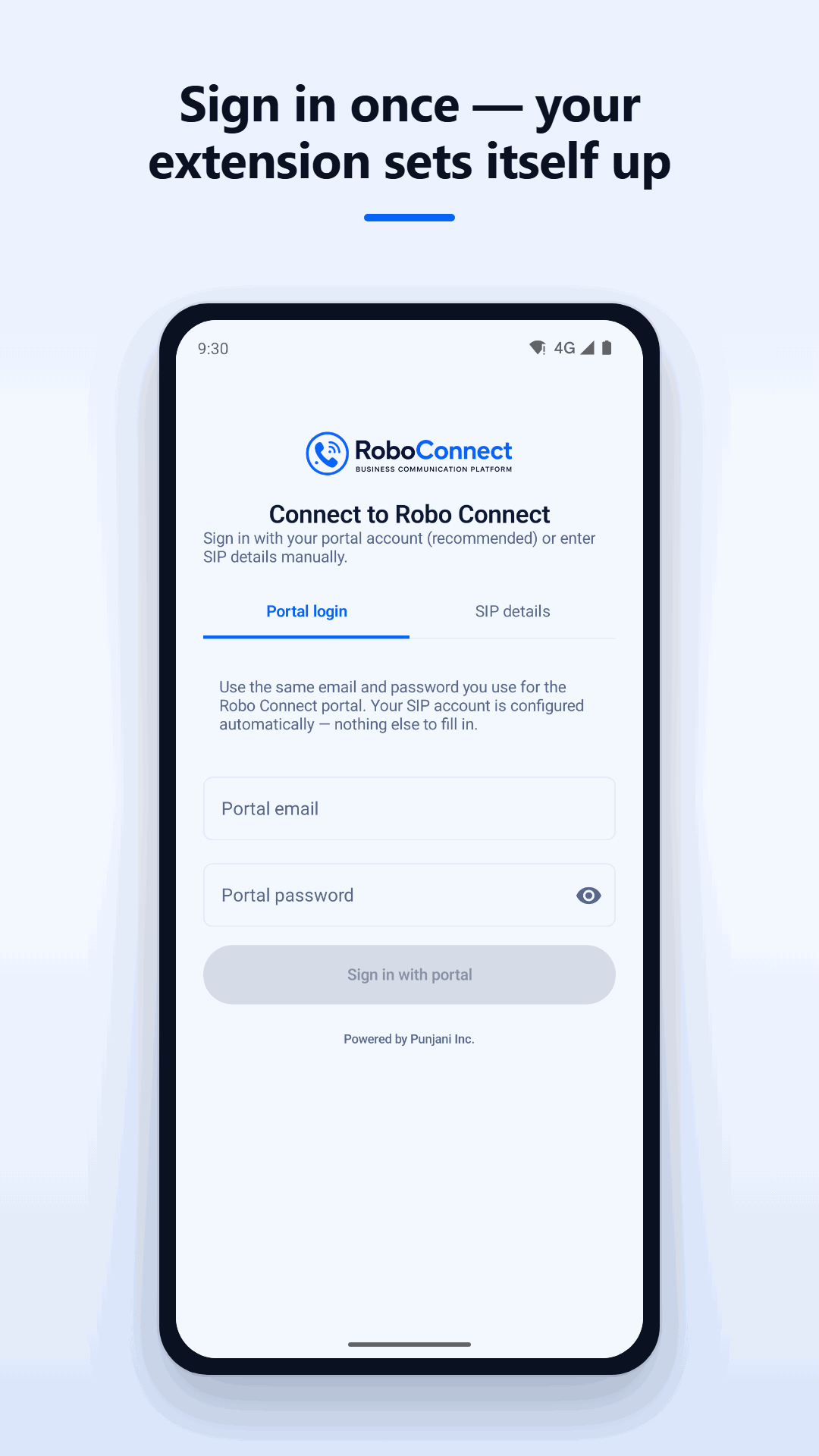
Download for WindowsTake your business extension with you. Sign in with your Robo Connect account to set up your extension.
Get the Android app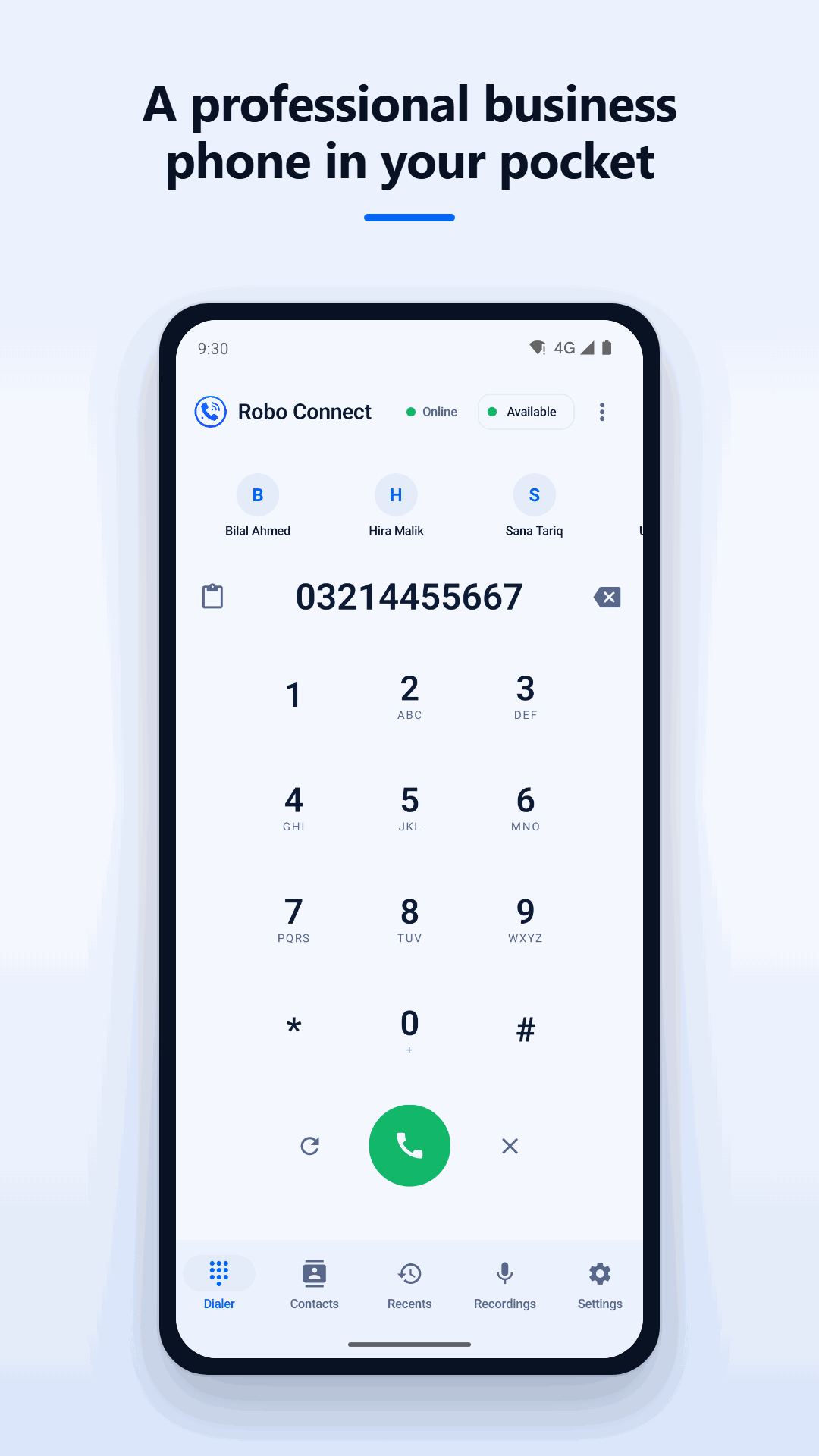
Using an iPhone? iOS availability is not currently listed. Contact our team to discuss supported ways to connect your agents.
Talk to usTake a quick guided look at how one business number can connect your agents across desktop and mobile.
Handle conversations, stay organized and keep the next action clear across your calling team.
Make and receive calls through your Robo Connect extension on Windows or Android
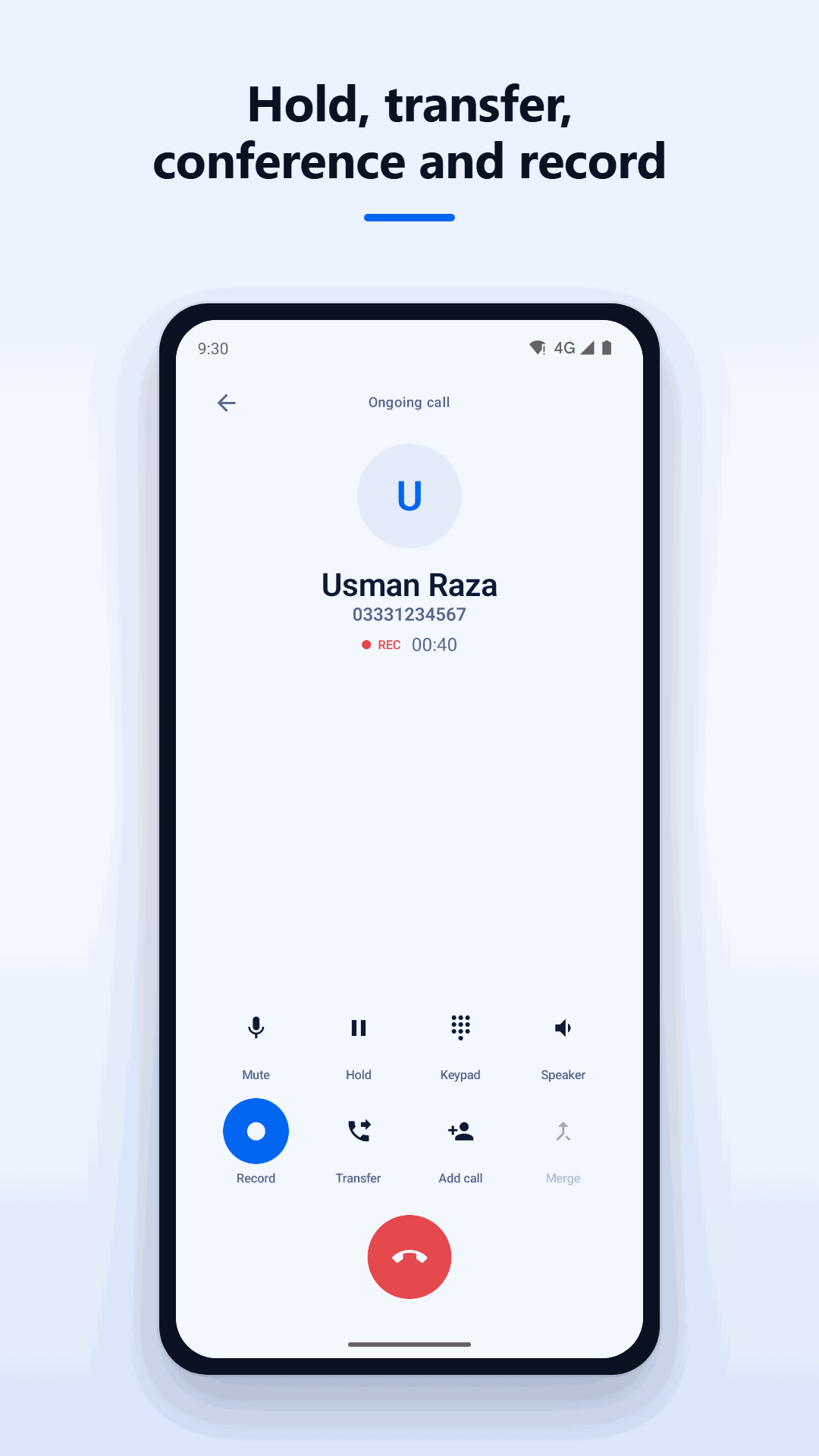
Hold, mute, transfer calls, add another caller, and bring people together when needed
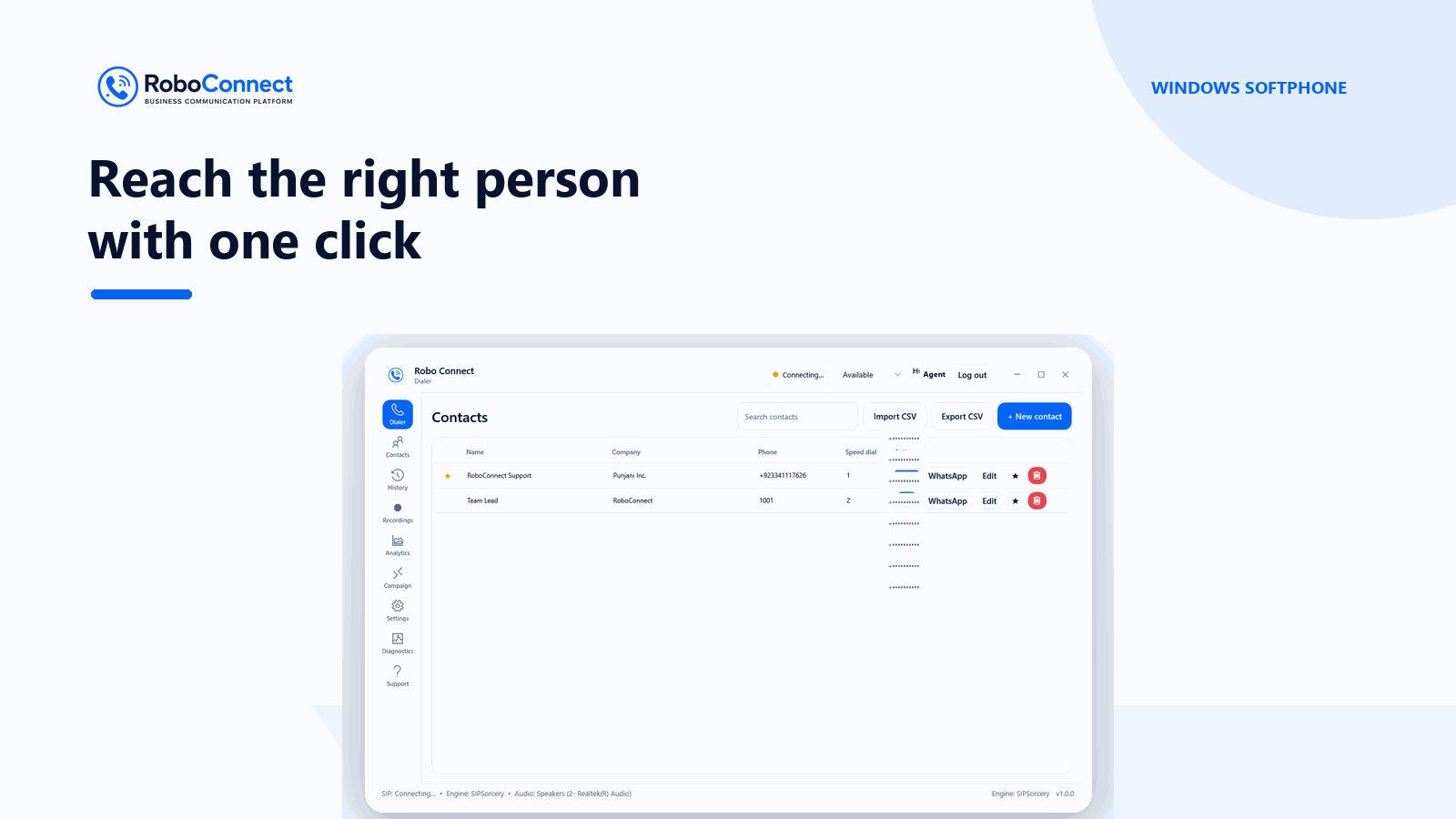
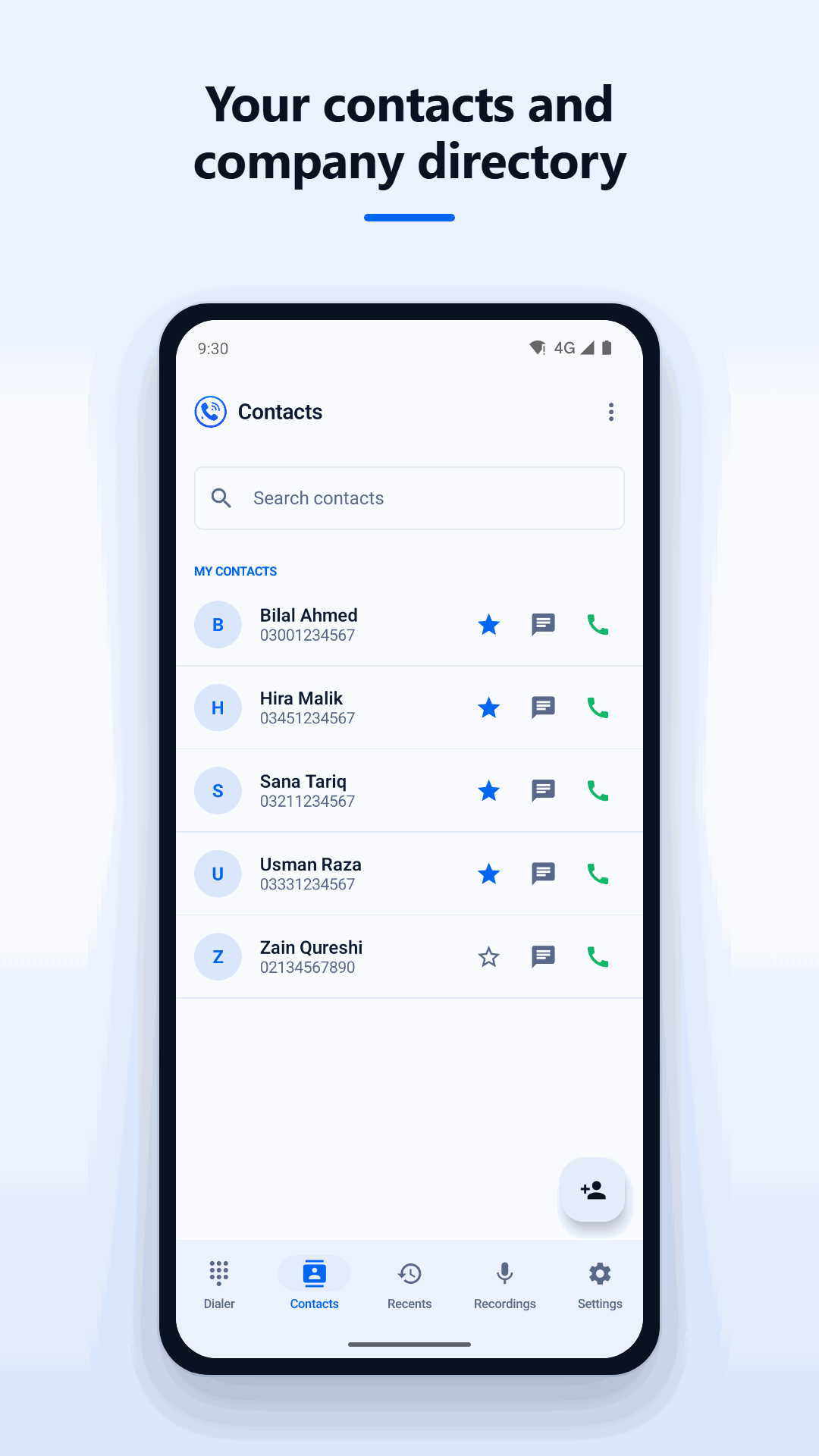
Find contacts quickly, use favourites, and reach colleagues through the connected team directory
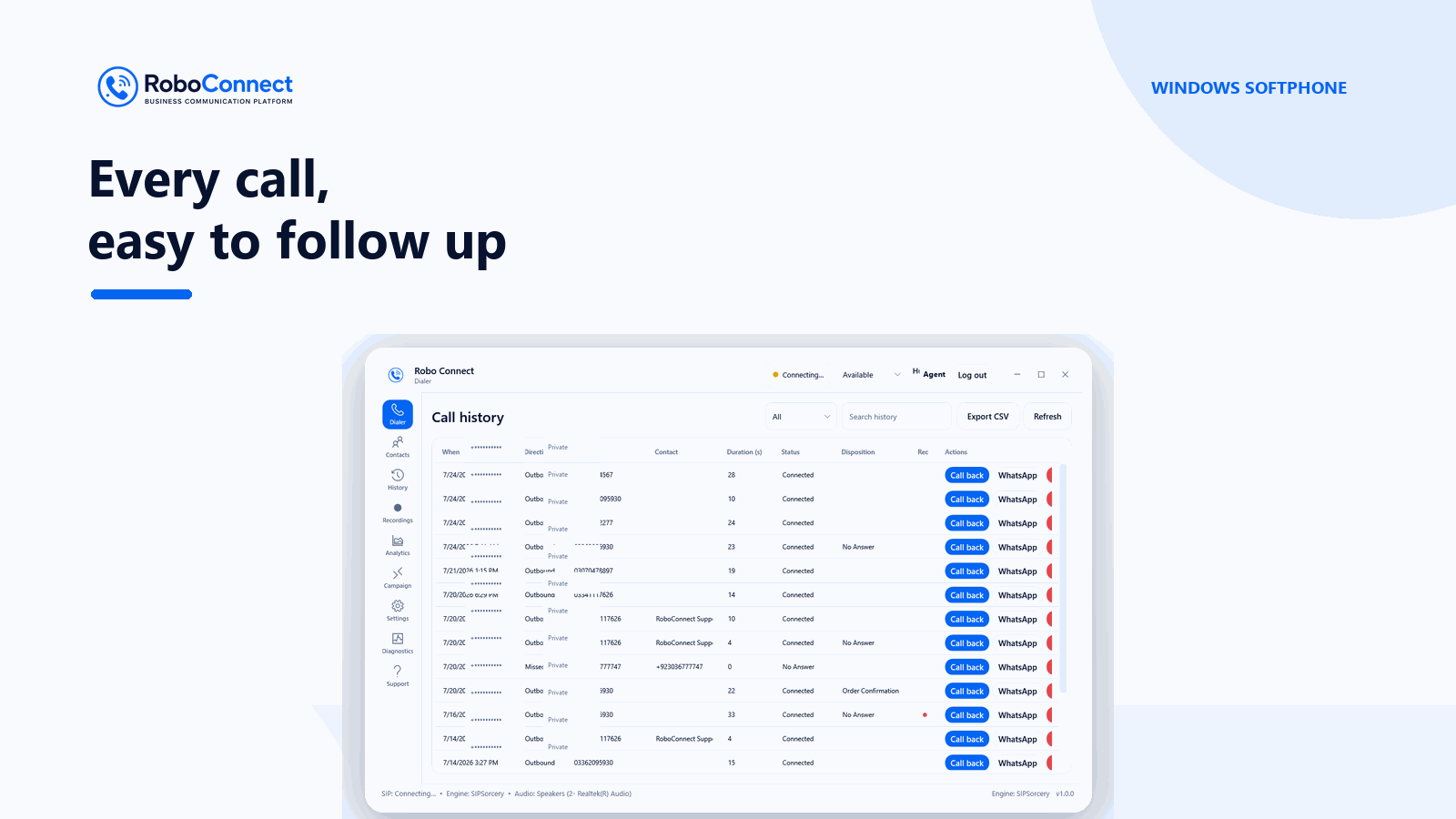
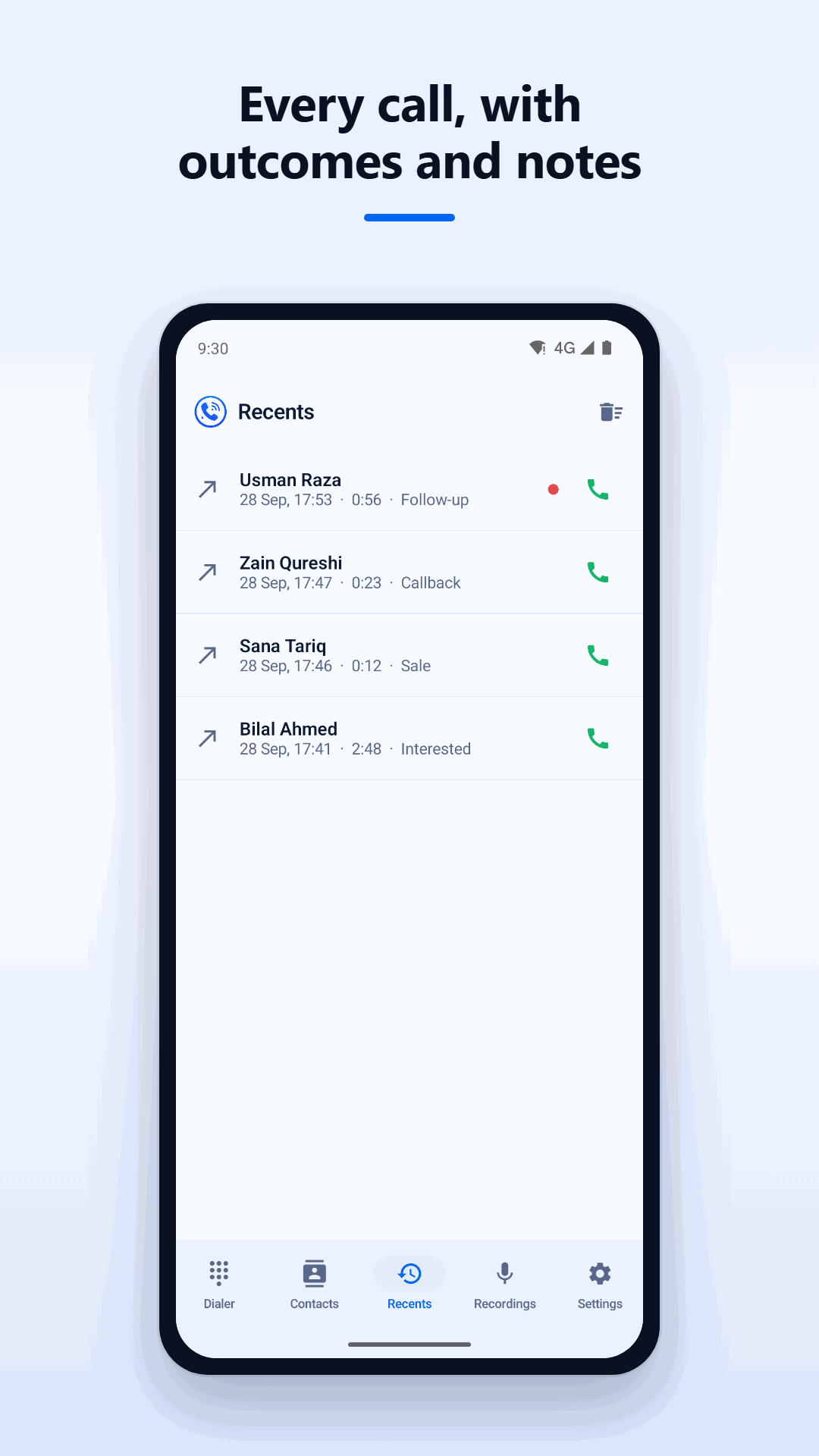
Review recent calls, add outcomes or notes, and set callback reminders
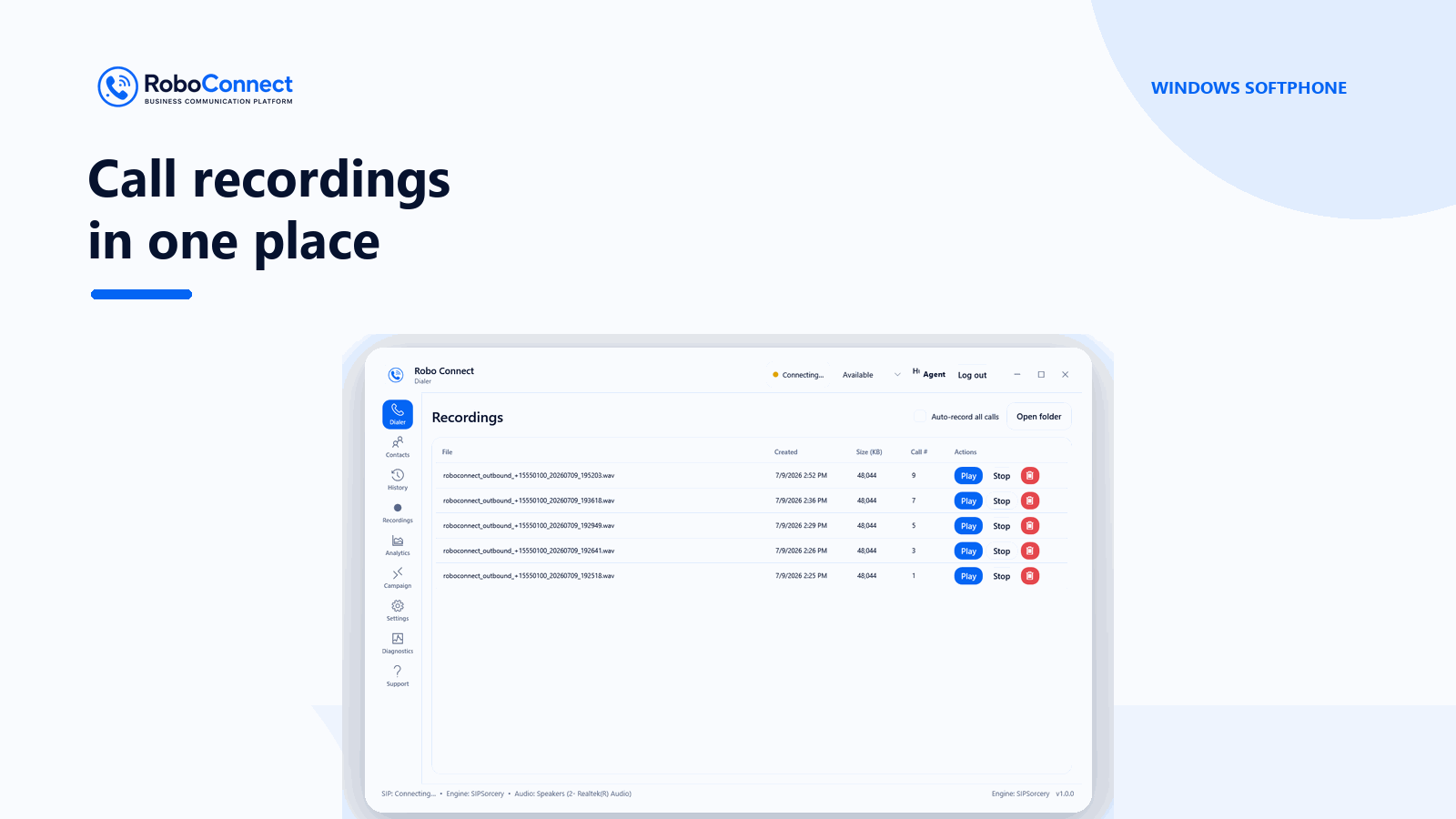
Record calls where enabled for your account and review saved recordings in the app
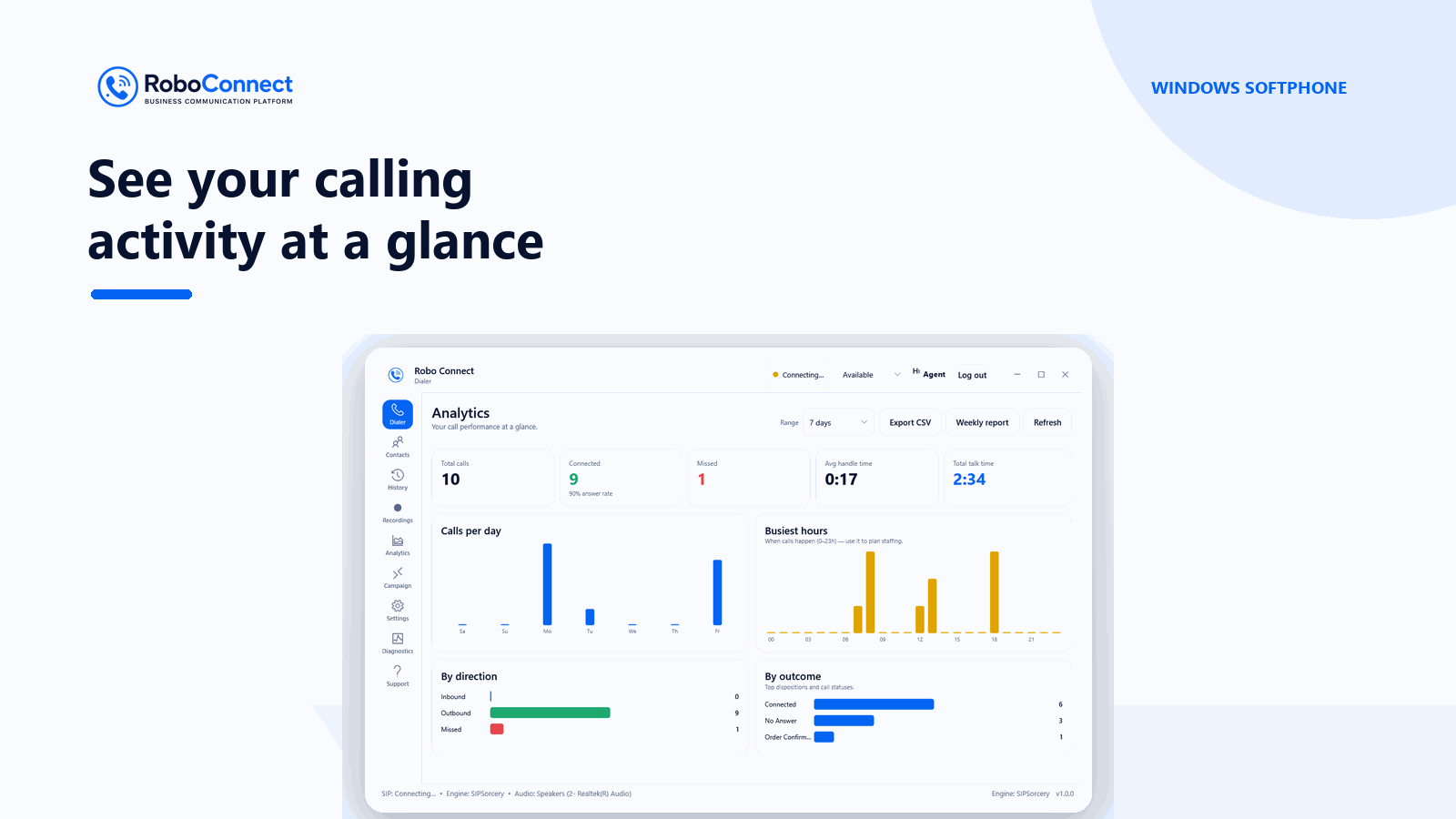
Android agents can update availability while supervisors get visibility into team activity
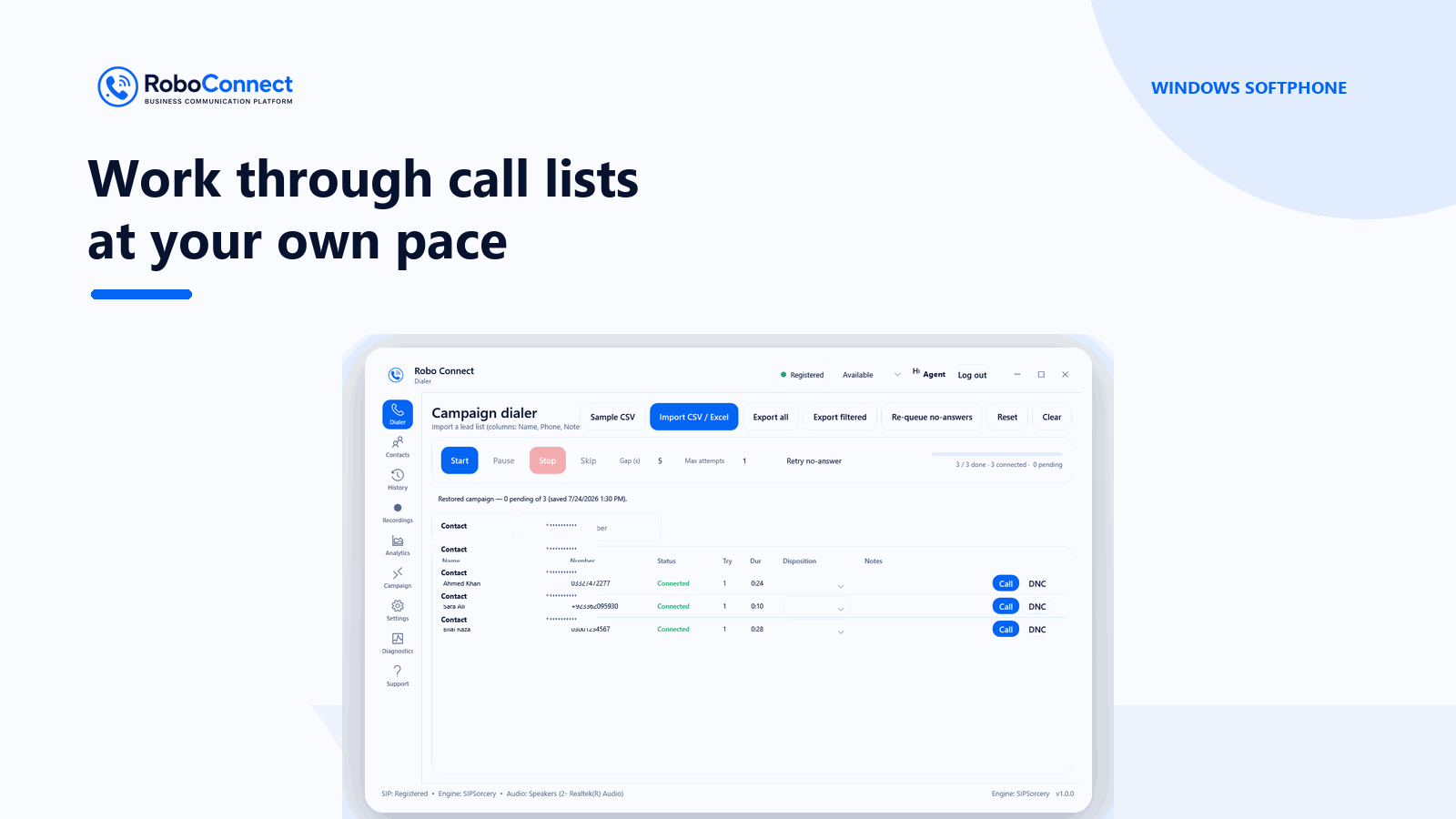
Work through an assigned call list with campaign tools designed for agent workflows
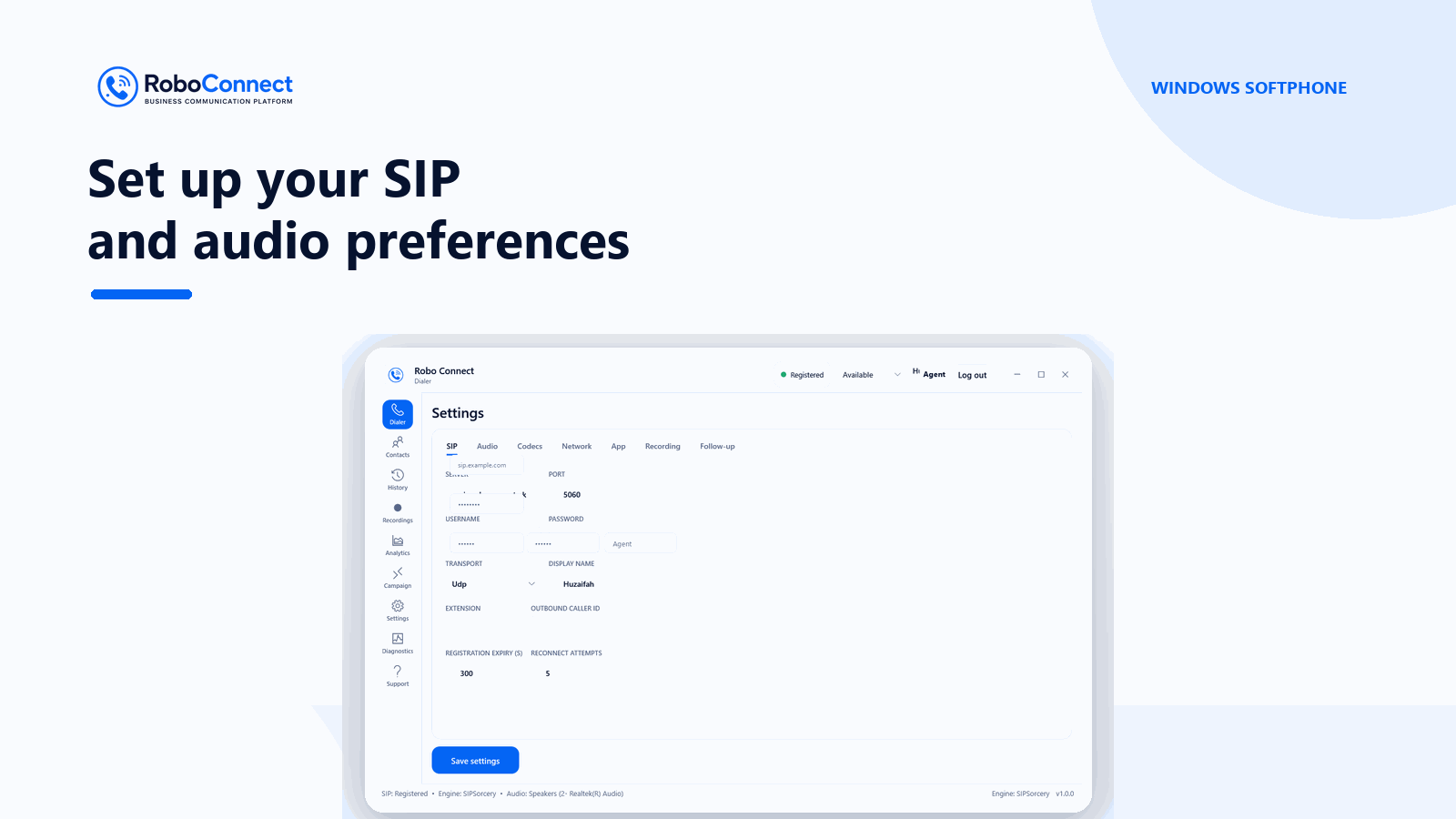
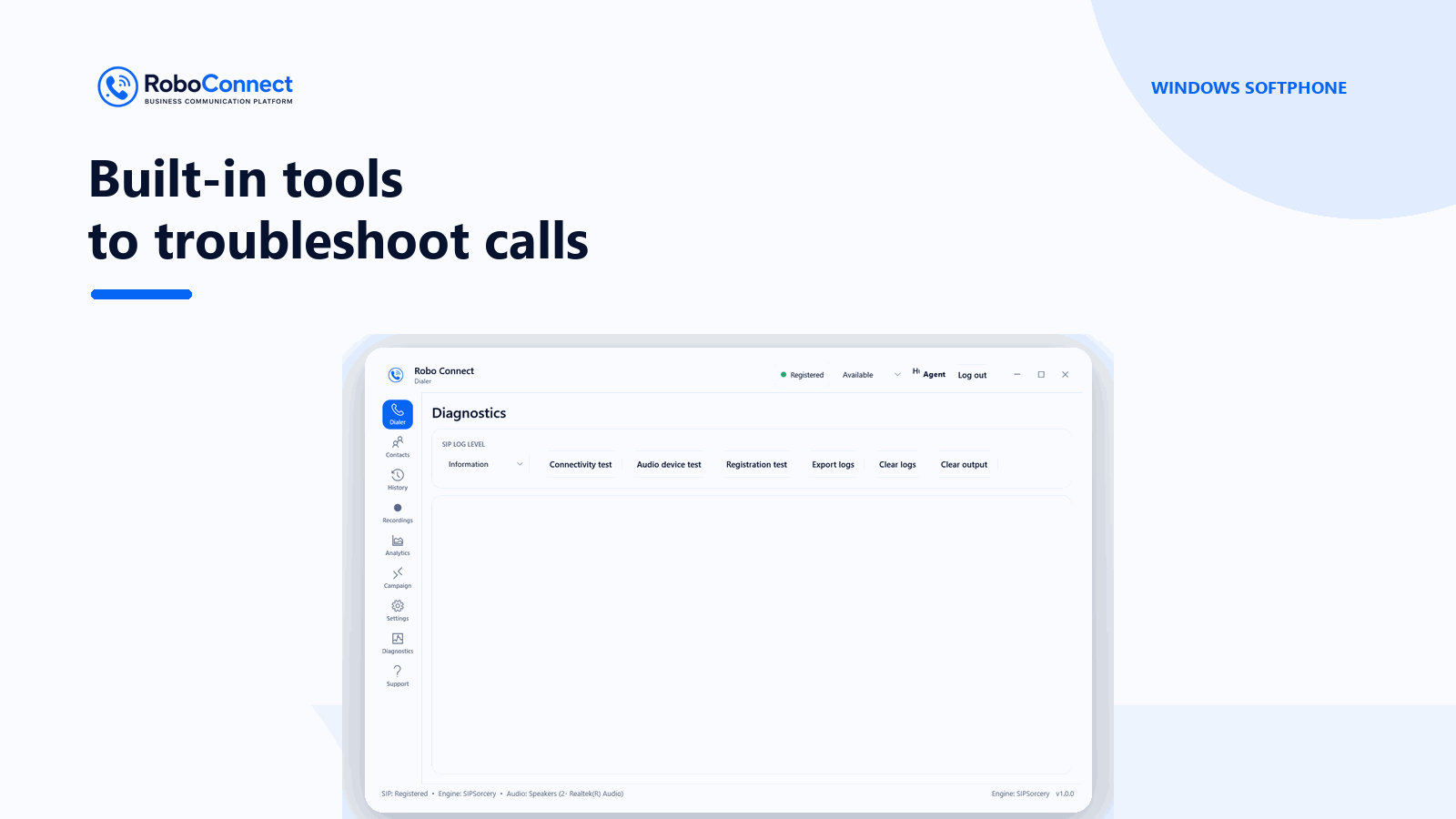
Choose audio devices on Windows, use Bluetooth on Android, and reconnect after network changes
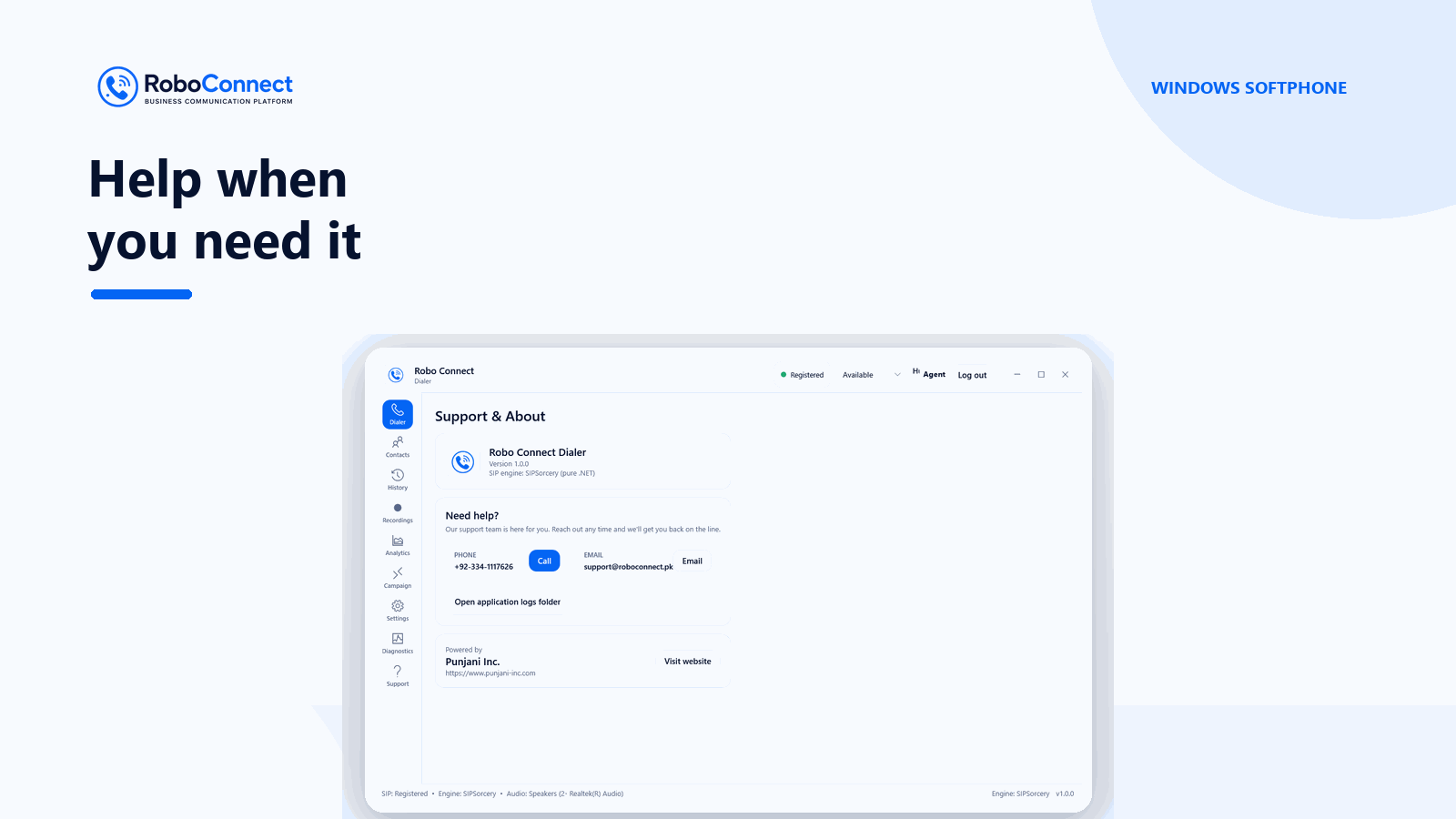
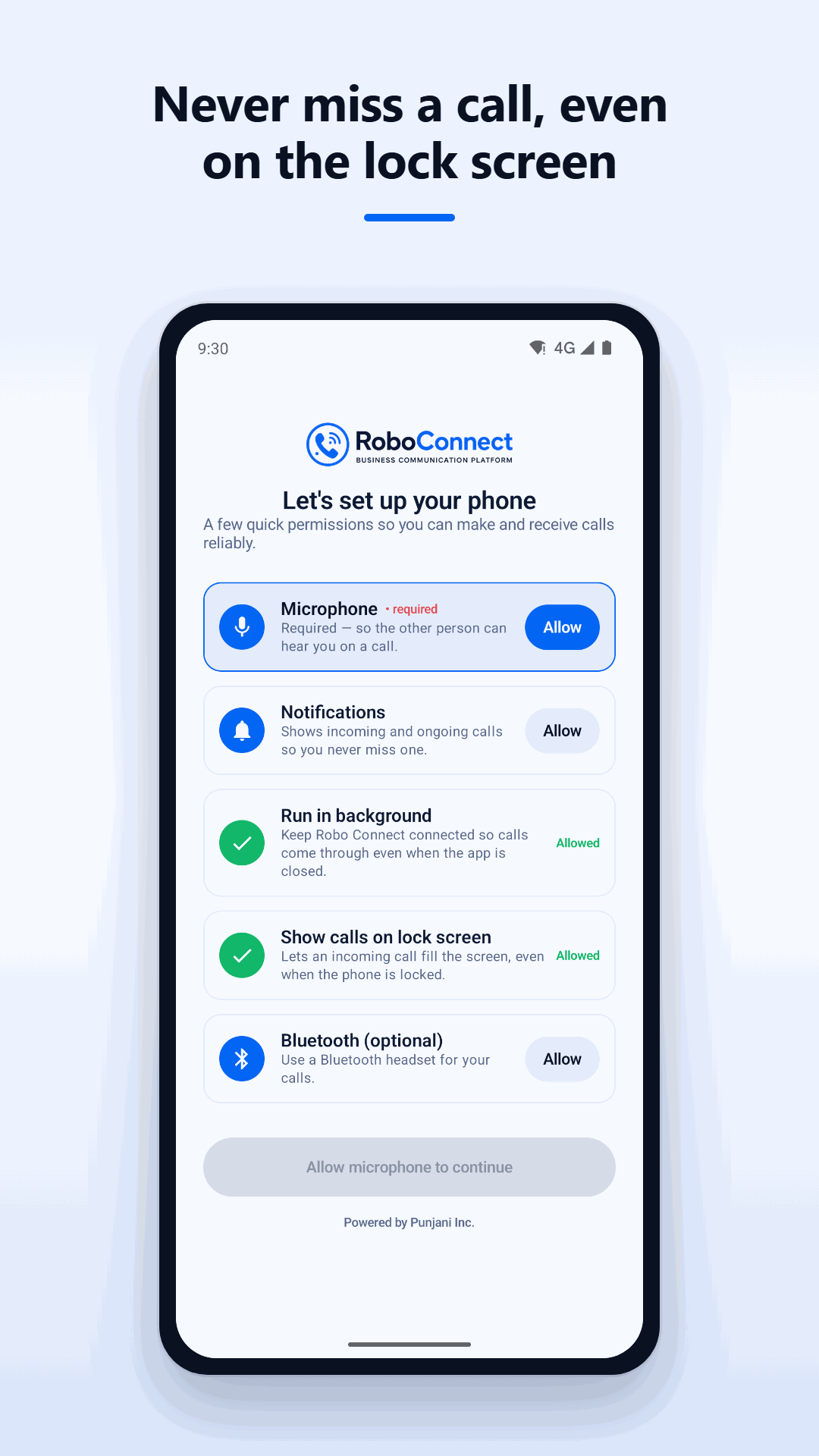
Explore real screens from Robo Connect for Windows and Android.
Talk with Robo Connect about account access, devices and a smooth rollout for your agents.
Learn about Windows and Android availability, account setup and the calling tools available to your team.
It is the Robo Connect calling app for Windows and Android, designed for teams that want a faster, more professional way to handle customer calls from one simple workspace.
Yes. The dialer is built for day-to-day business use, with a clean interface for calling, transfers, contacts, call history, and other agent essentials.
Yes. The Robo Connect Android dialer is available for teams that need a mobile calling experience alongside the Windows desktop dialer.
Yes. The Robo Connect team can help you choose the right setup, prepare your team, and launch the dialer smoothly for your business.